Sprites have already been loaded
How to use the interface
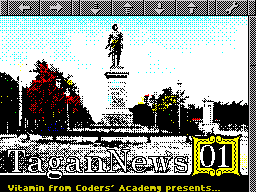
What is there to tell you? How to use the buttons? You already know that perfectly well without me :) There are two buttons on the left for navigating the history of transitions between texts. They are also mapped to PgUp and PgDwn. So, to return to the main part of the newspaper, you need to go back through the history. Anyway, you’ll figure it out :)
Next are four text-scrolling buttons, for moving either line by line or page by page. They are also mapped to the arrow keys. The last button opens the viewer’s quick settings. There you can turn the music on or off (the M key does the same), change the colors (the C key), and show or hide pictures (the S key). You can also disable or enable Misha Kempston, known to everyone as the Rat. Clicking the very last item in this menu brings up more serious program settings, and lets you save the current ones too. Anyway, why am I telling you all this? The magazine is supposed to be distributed together with the program, so read about it there! I’m off to tell you the rest.
Share your thoughts about the article